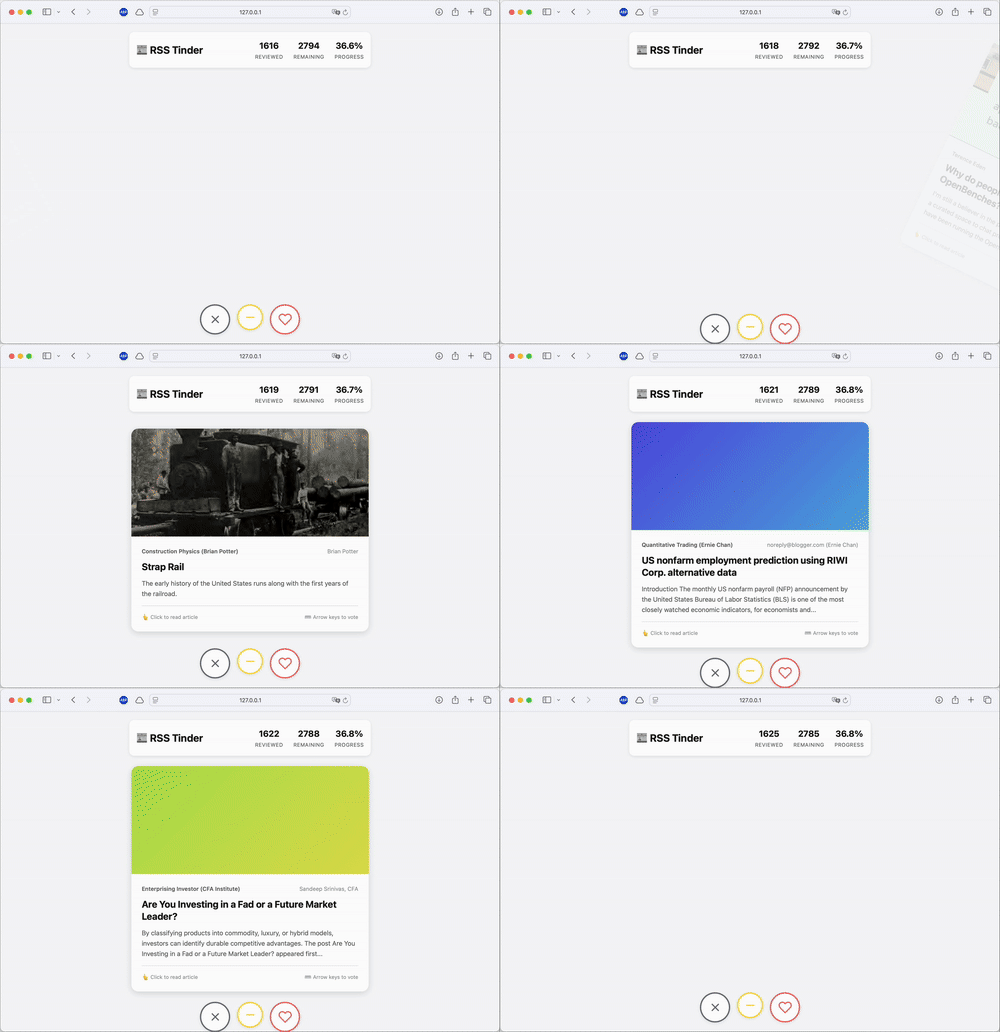
 Algorithmic timelines are everywhere now. But I still prefer the control of RSS. Readers are good at aggregating content but bad at filtering it. What I wanted was something borrowed from dating apps: instead of an infinite list, give me cards. Swipe right to like, left to dislike. Then train a model to surface what I actually want to read. So I built RSS Swipr.
The frontend is vanilla JavaScript—no React, no build steps, just DOM manipulation and CSS transitions. You drag a card, it follows your finger, and snaps away with a satisfying animation. Behind the scenes, the app tracks everything: votes (like/neutral/dislike), time spent viewing each card, and whether you actually opened the link. If I swipe right but don’t click through, that’s a signal. If I spend 0.3 seconds on a card before swiping left, that’s a signal too.
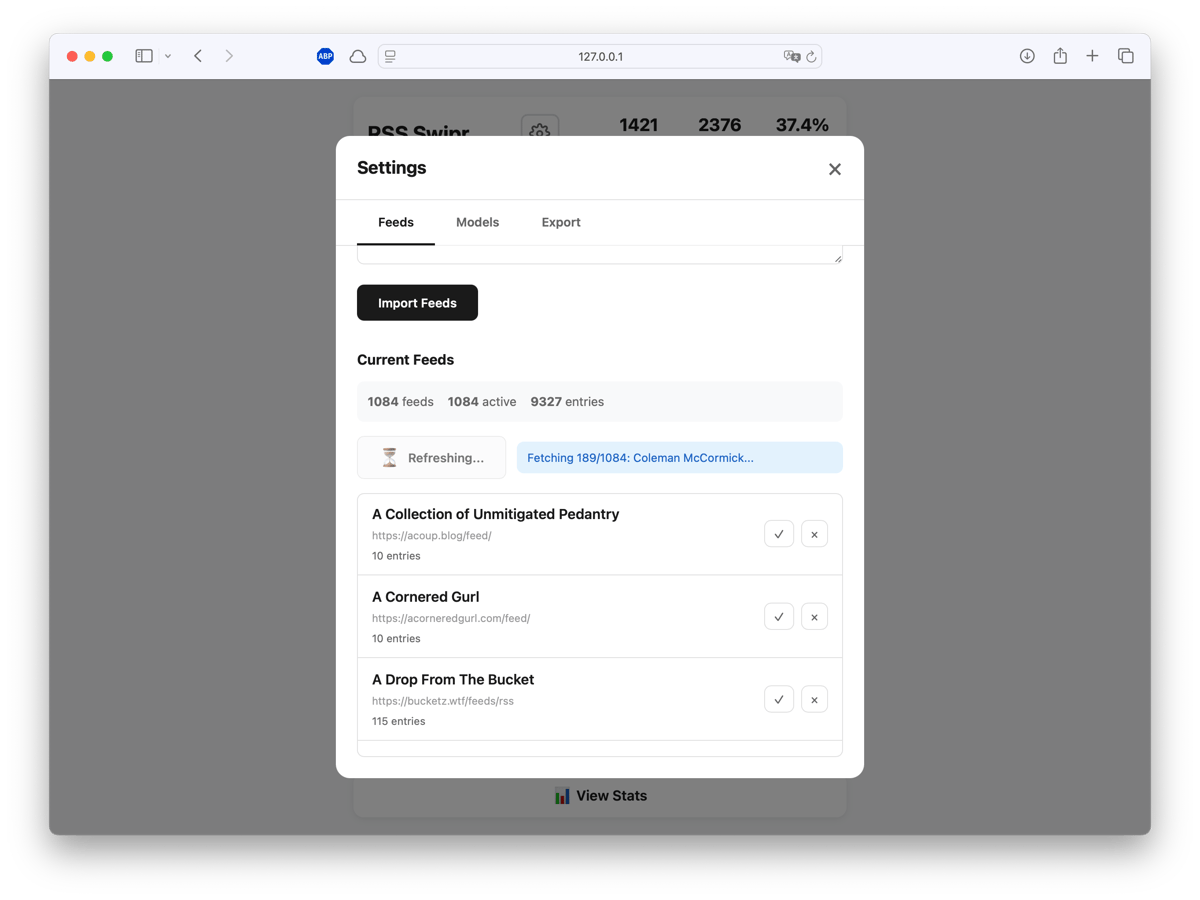
 Feed management happens through a simple CSV import. Paste a list of
 name,url pairs, click refresh, and the fetcher pulls articles with proper HTTP caching (ETag/Last-Modified) to avoid hammering servers. You can use your own feed list or load a predefined list. Thanks to Manuel Moreale who created blogroll I was able to get an OPML export and load all curated RSS feeds directly. Something similar works with minifeed or Kagi’s smallweb. Or you use one of the Hacker News RSS feeds. If that feels too adventurous, I created curated feeds for the most popular HN bloggers.
Building the model, I started with XGBoost and some hand-engineered features (title length, word count, time of day, feed source). Decent—around 66% ROC-AUC. It learned that I dislike short, clickbaity titles. But it didn’t understand context.
The upgrade was MPNet (all-mpnet-base-v2 from sentence-transformers) to generate 768-dimensional embeddings for every article’s title and description. Combined with engineered features—feed preferences, temporal patterns, text statistics—this gets fed into a Hybrid Random Forest.
| |
Training happens on Google Colab (free T4 GPU or even faster with H100 or A100 on a subscription). Upload your training CSV, run the notebook, download a .pkl file.
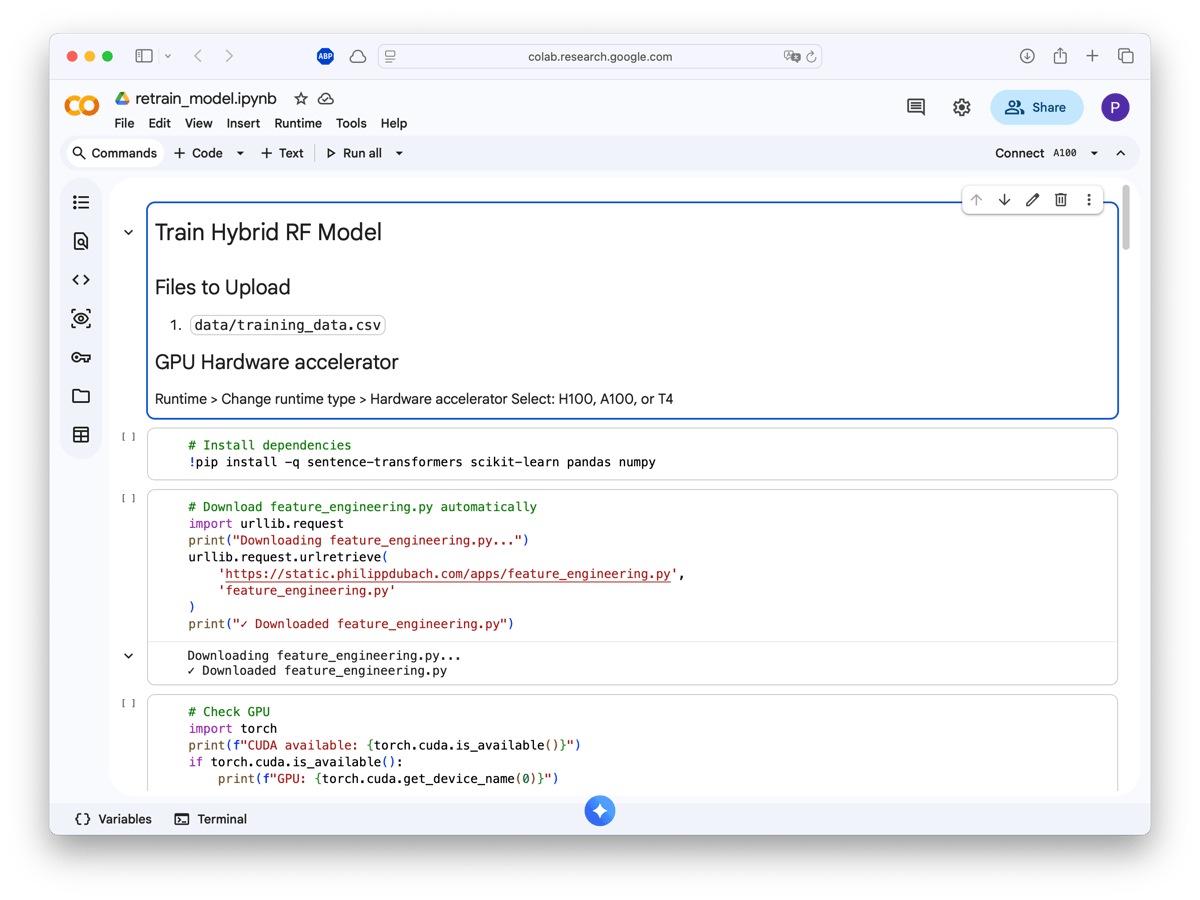
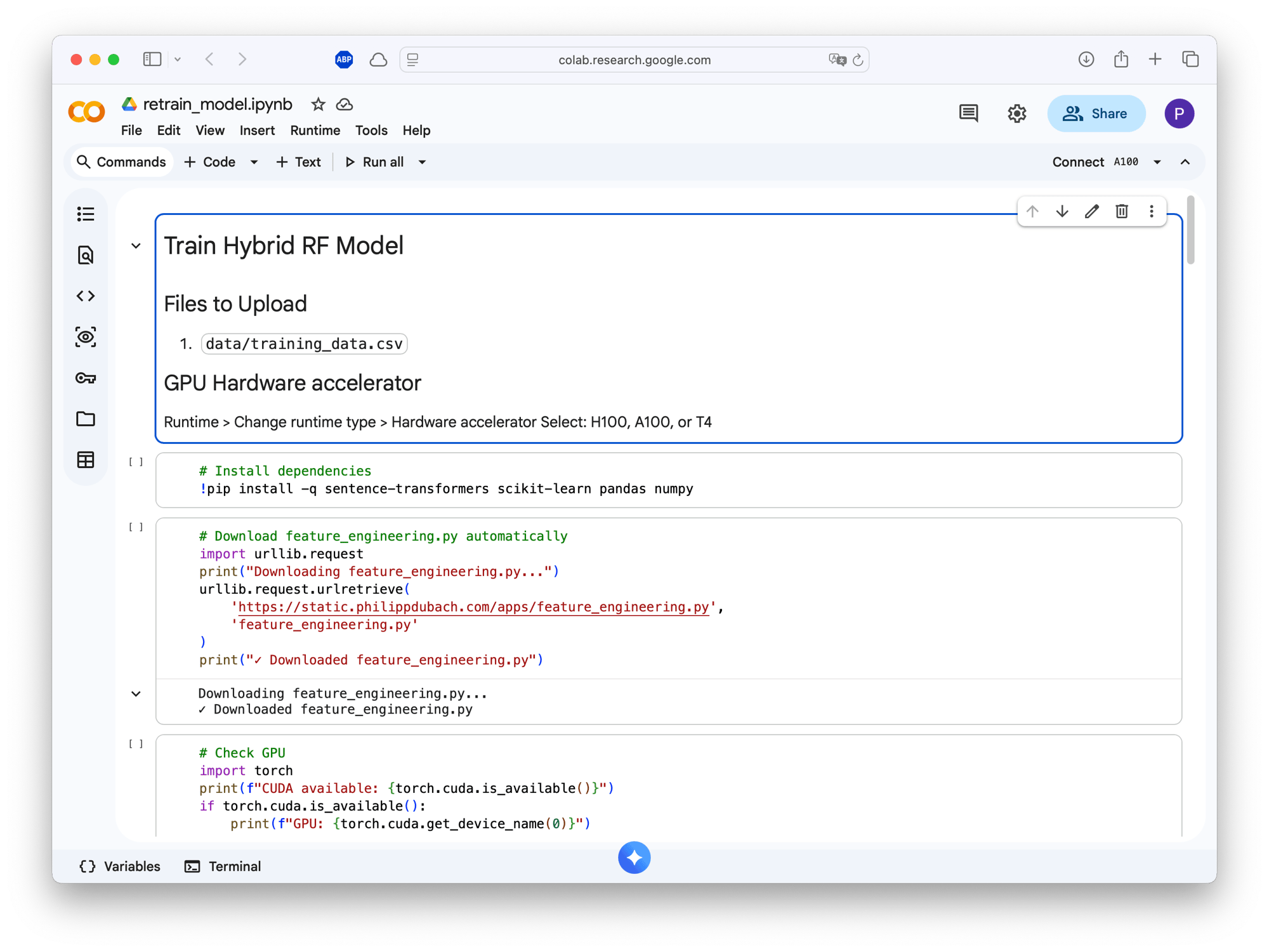 The notebook handles everything: installing sentence-transformers, downloading the feature engineering pipeline, checking GPU availability, and running 5-fold cross-validation.
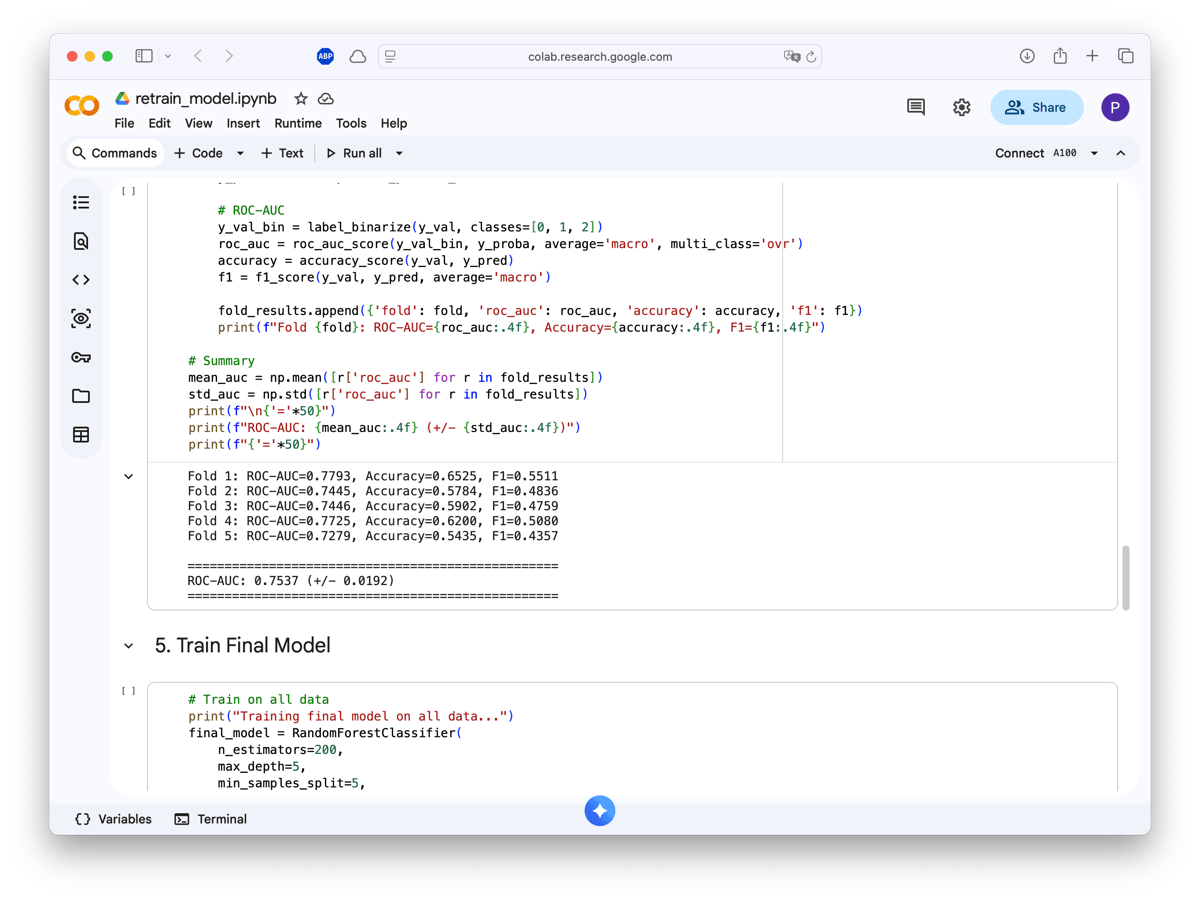
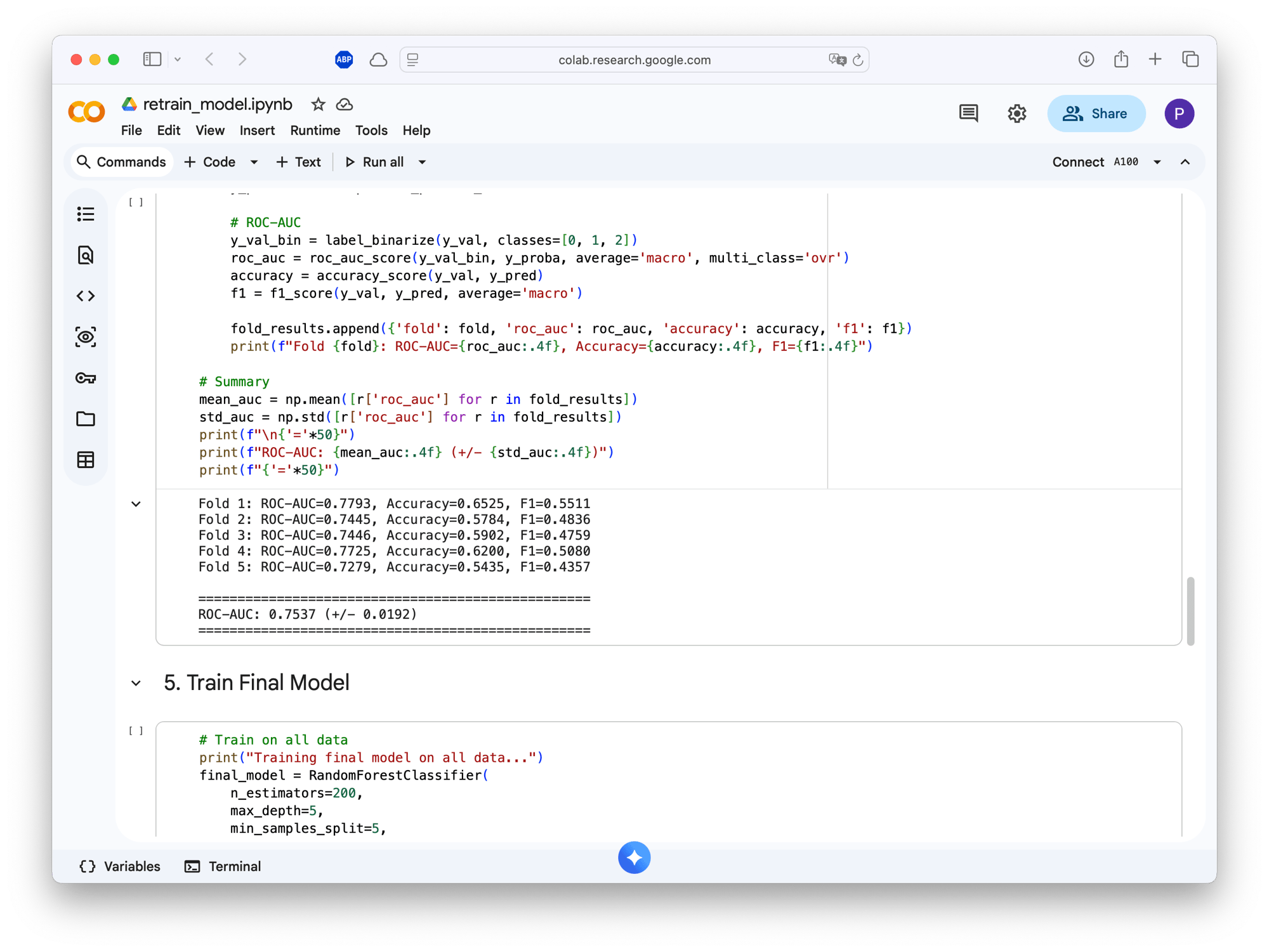 With ~1400 training samples, the model achieves 75.4% ROC-AUC (± 0.019 std). Not state-of-the-art, but enough to noticeably improve my reading experience. The model now understands that I like systems programming and ML papers, but skip most crypto and generic startup advice.
The problem with transformer models is latency. Generating MPNet embeddings takes ~1 second per article. In a swipe interface, that lag is unbearable. The next best thing is a preload queue. While you’re reading the current card, the backend is scoring and fetching the next 3-5 articles in the background. By the time you swipe, the next card is already waiting.
| |
Article selection uses Thompson Sampling: 80% of the time it shows what the model thinks you’ll like (exploit), 20% it throws in something unexpected (explore). This prevents the filter bubble problem and lets the model discover if your tastes have changed.
The whole system is designed as a closed loop:
- Swipe → votes get stored in SQLite
- Export → download training CSV with votes + engagement data
- Train → run Colab notebook, get new model
- Upload → drag-drop the
.pklfile back into the app
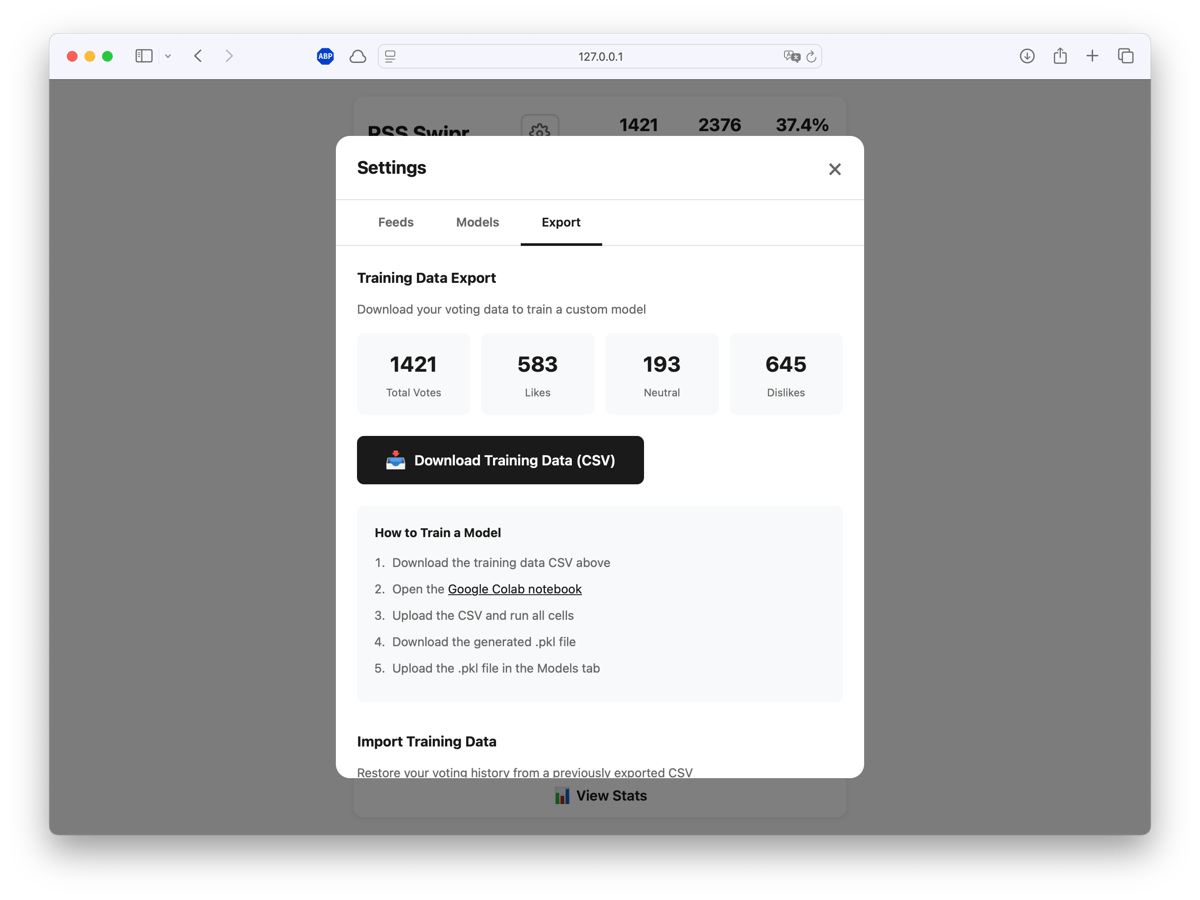
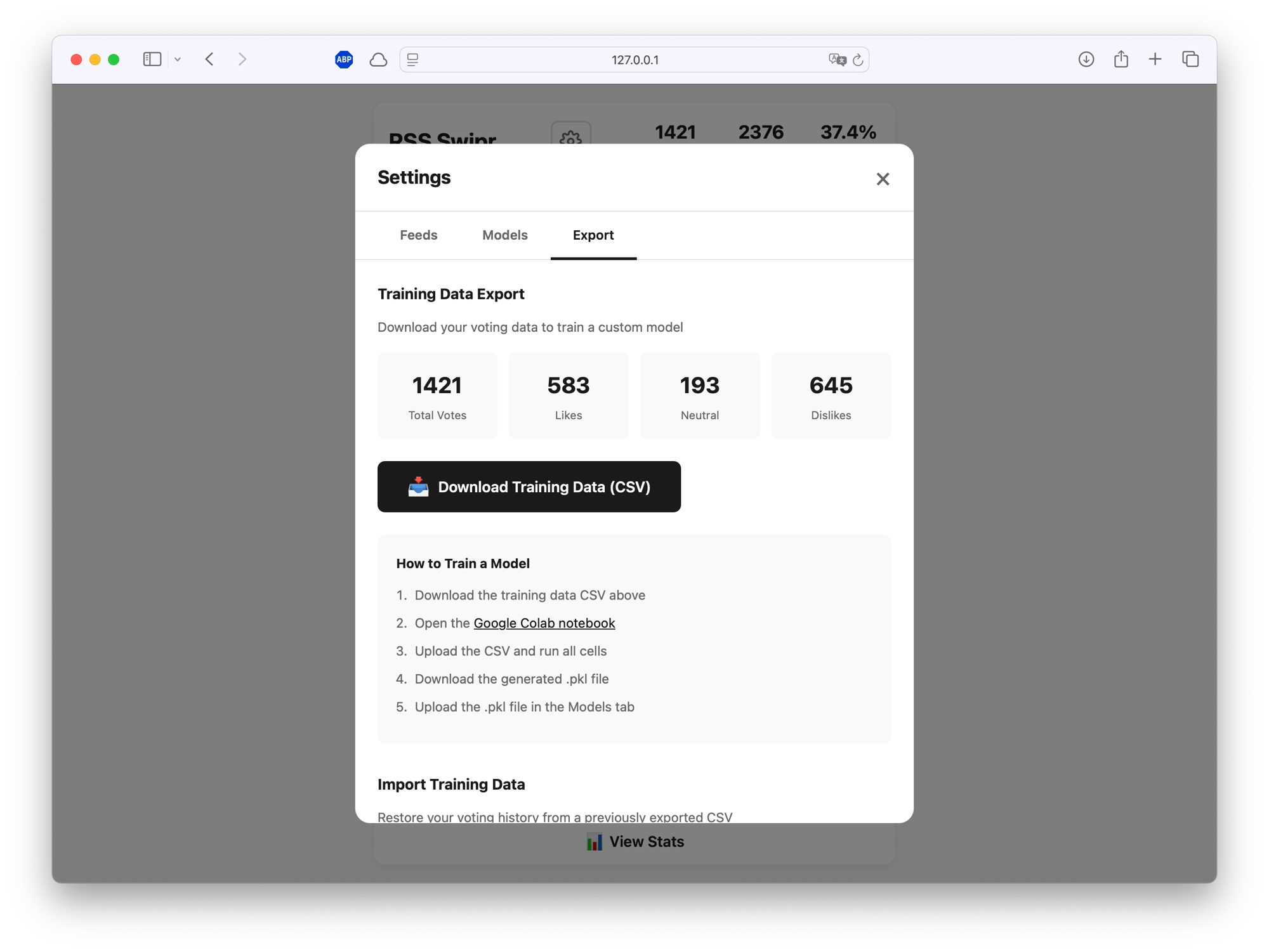 The export includes everything the model needs: article text, feed metadata, your votes, link opens, and time spent. You can also import a previous training CSV to restore your voting history on a fresh install—useful if you want to clone the repo on a new machine without losing your data.
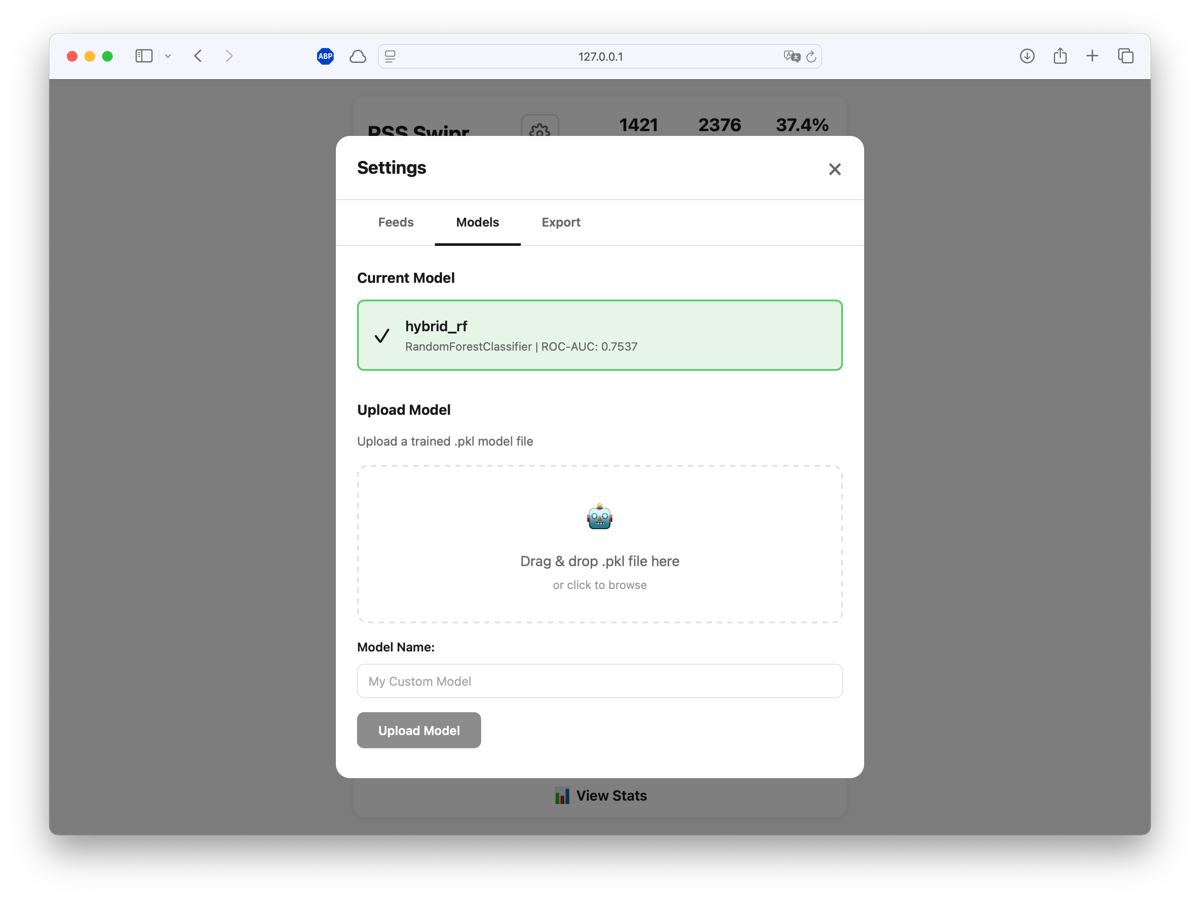
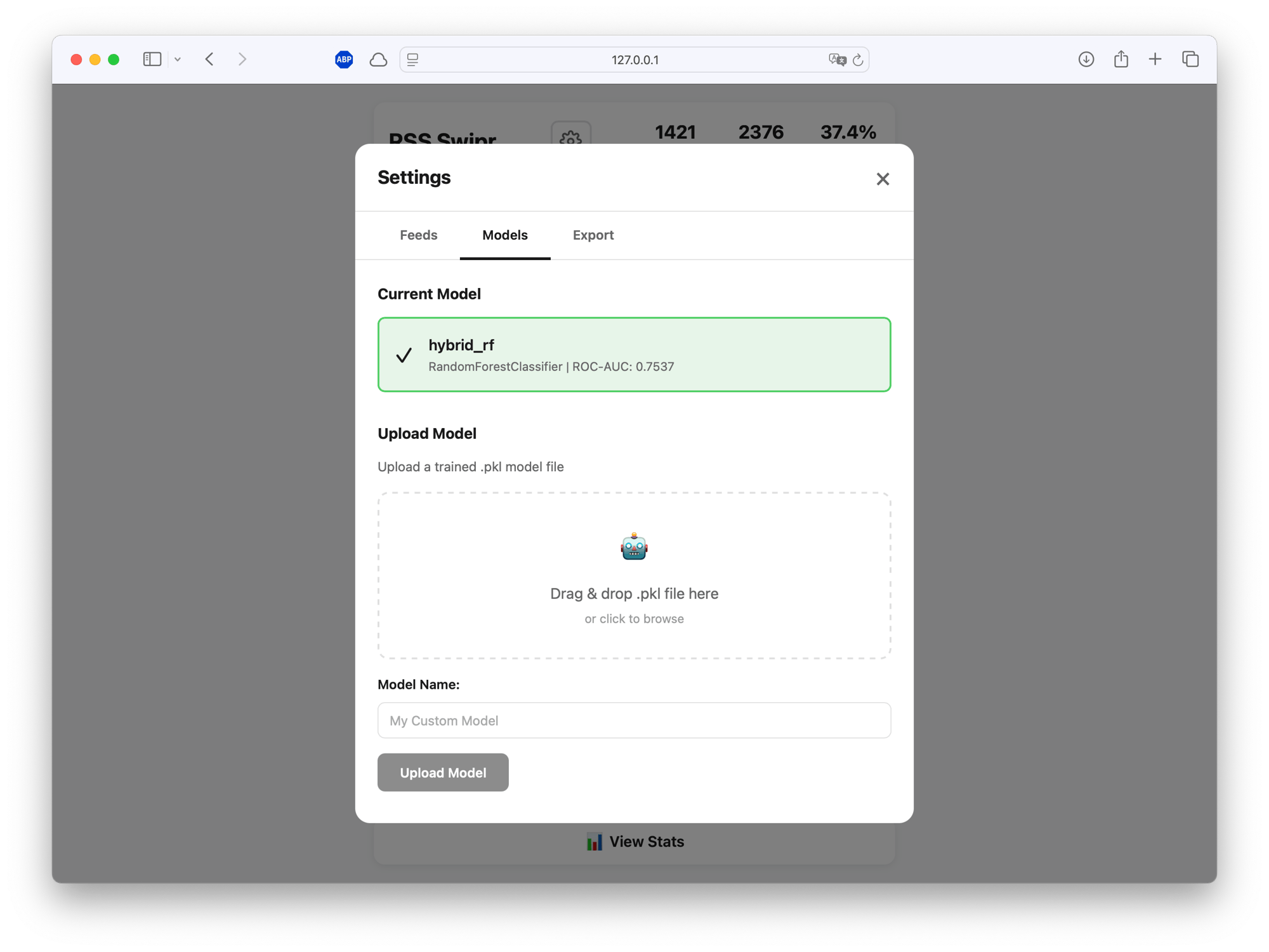
Uploaded models show their ROC-AUC score so you can compare performance across training runs. Activate whichever one works best.
Backend: Python, Flask, SQLite Frontend: Vanilla JS, CSS variables ML: scikit-learn, XGBoost, sentence-transformers (MPNet) Training: Google Colab (free GPU tier)
Total infrastructure cost: zero. Everything runs locally. No accounts, no cloud dependencies, no tracking.
| |
The full source and Colab notebook are available on GitHub.